

 Start AI assessment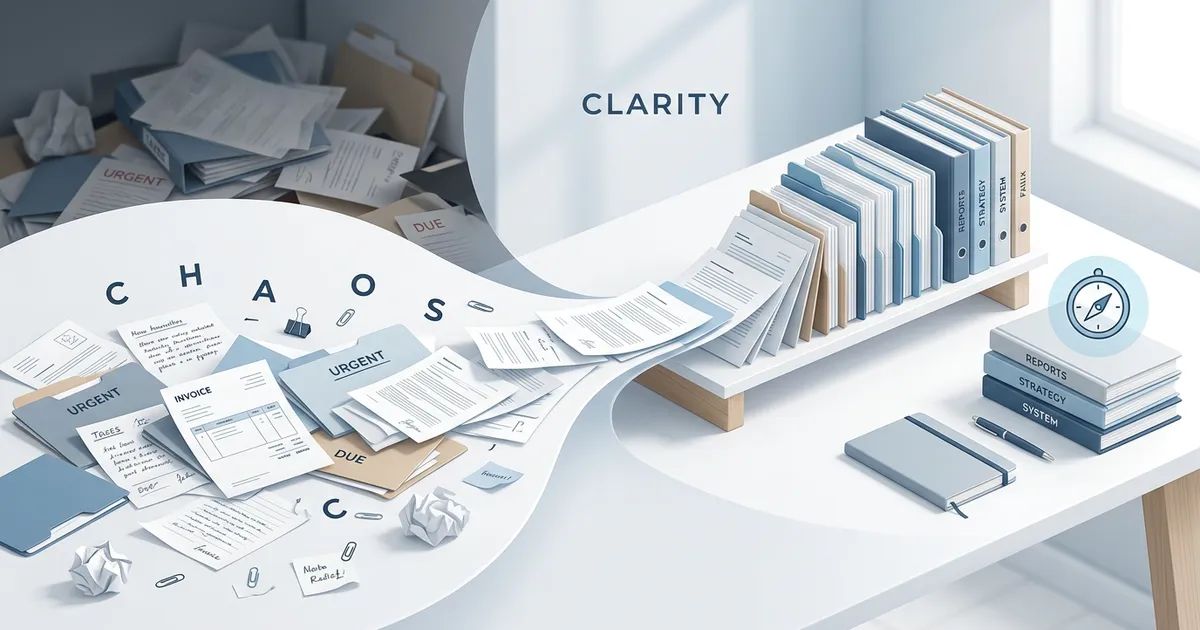
The practical guide to automated document filing for businesses
Anyone who works with a large volume of documents knows the problem: files are uploaded, email attachments arrive, letters come in, and then the manual sorting begins.
What goes where? Who needs to see it? What follow-up action is needed next?
These small recurring steps cost companies time every single day.
The real problem is not the file, but the follow-up process
In many companies, documents initially just end up somewhere:
- in the wrong folder
- in an inbox without clear next steps
- in a filing location that has to be searched again later
- in a process that depends on one specific person
That creates search effort, clarification loops, and delays. This adds up quickly, especially for invoices, correspondence, and standardized documents.
What companies actually need
The goal is not just to store documents digitally somehow.
What matters is that incoming information is assigned correctly right away and transferred into the right next step.
That is where the real leverage sits.
As soon as a document becomes not just a file but a clear process step, the benefits become tangible:
- less manual sorting
- fewer filing mistakes
- less search effort
- fewer internal follow-up questions
- faster downstream processing
What can be automated in concrete terms
Document workflows can be automated in many useful places.
Automatic filing
Uploads, documents, or email attachments can be detected and moved directly into the right filing location.
Automatic document creation
Based on defined rules, new documents can be prepared or created, for example letters, reply templates, or internal documents with recommended actions.
Analyze invoices and simplify payments
Invoice information can be captured in a structured way and prepared for further processing. Payment workflows can also be simplified, for example through direct payment links or QR codes.
Hand off to downstream processes
As soon as a document has been assigned correctly, the next step can be prepared immediately, whether for accounting, internal review, or additional approvals.
The key point is this: it is not just about filing, but about document logic that can actually run a process.
Why this matters so much for companies
The biggest advantage is not just the technology, but the relief it creates.
If documents no longer need to be sorted manually, forwarded, or checked multiple times, teams gain time for more important work.
In practice, that means:
- clearer workflows
- faster processing
- less dependency on individual people
- less friction in daily operations
This is especially relevant for SMEs because many document and administrative processes have grown historically and still depend heavily on individuals.
The principle can be transferred to many systems
The underlying logic is not limited to a single tool.
At its core, it always works the same way: information comes in, is recognized, assigned correctly, and automatically transferred into the right next step.
In principle, this can be applied to different input channels and work environments, such as uploads, emails, forms, incoming documents, or collaborative platforms.
That creates a scalable automation concept rather than a rigid one-off solution.
How we implemented this in practice
We implemented one example of this in Google Workspace.
There, we automated processes so that incoming files, emails, and documents are routed directly into the right filing location and processed further.
This includes:
- automatic document assignment
- creation of new documents based on defined rules
- structured invoice processing
- preparation of additional downstream steps
This turns an incoming document into more than just a file. It becomes a clean next action right away.
Conclusion
Many companies do not lose time because of individual documents.
They lose time in the manual steps between them.
If you automate document workflows intelligently, you reduce search time, follow-up questions, and unnecessary handoffs while creating much more clarity in day-to-day operations.
If you want to assess which document, filing, or invoice processes in your company can be automated in a sensible way, start with a potential analysis. Together we look at where the biggest time drains sit in your daily work and which automation approach will have the strongest impact.